

If you have forgotten your password, you can log in with a link sent to your email, or reset your password.
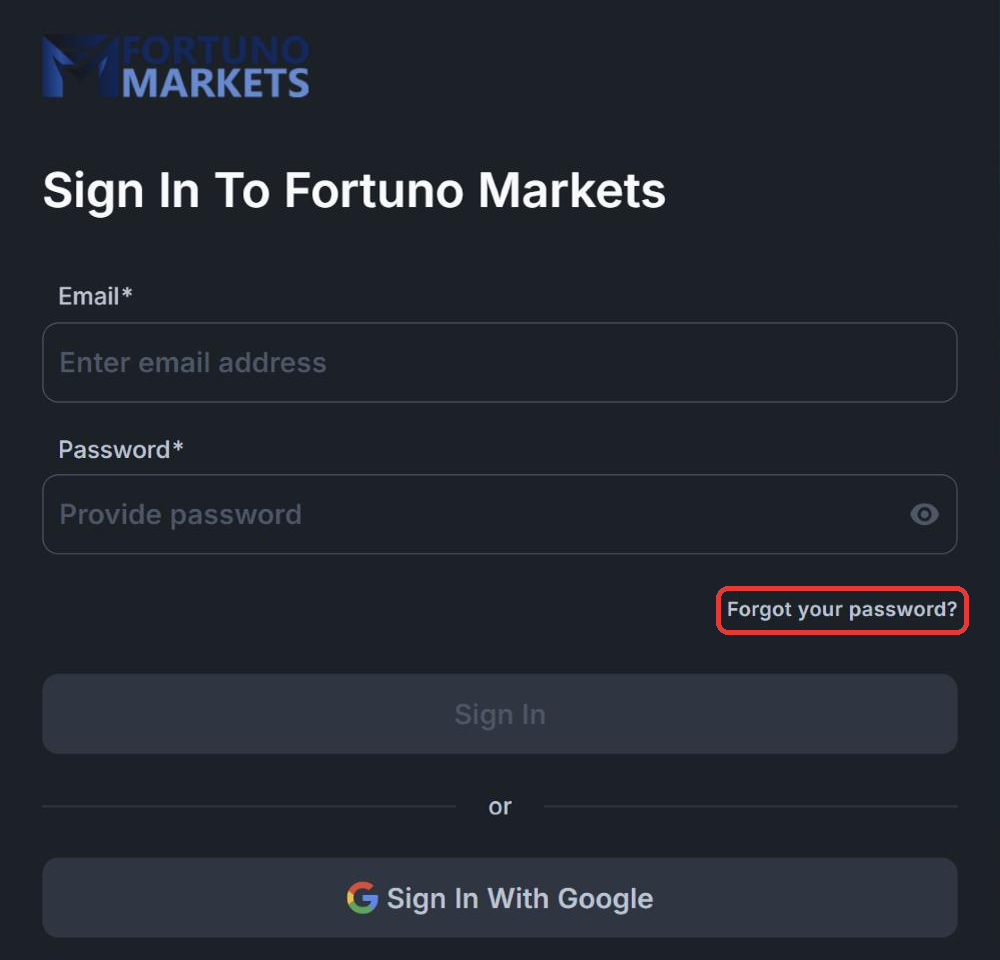
1. Click “Forgot your password?”
Go to the Fortuno Terminal login page and click Forgot your password? under the password field.
2. Choose how to get back in
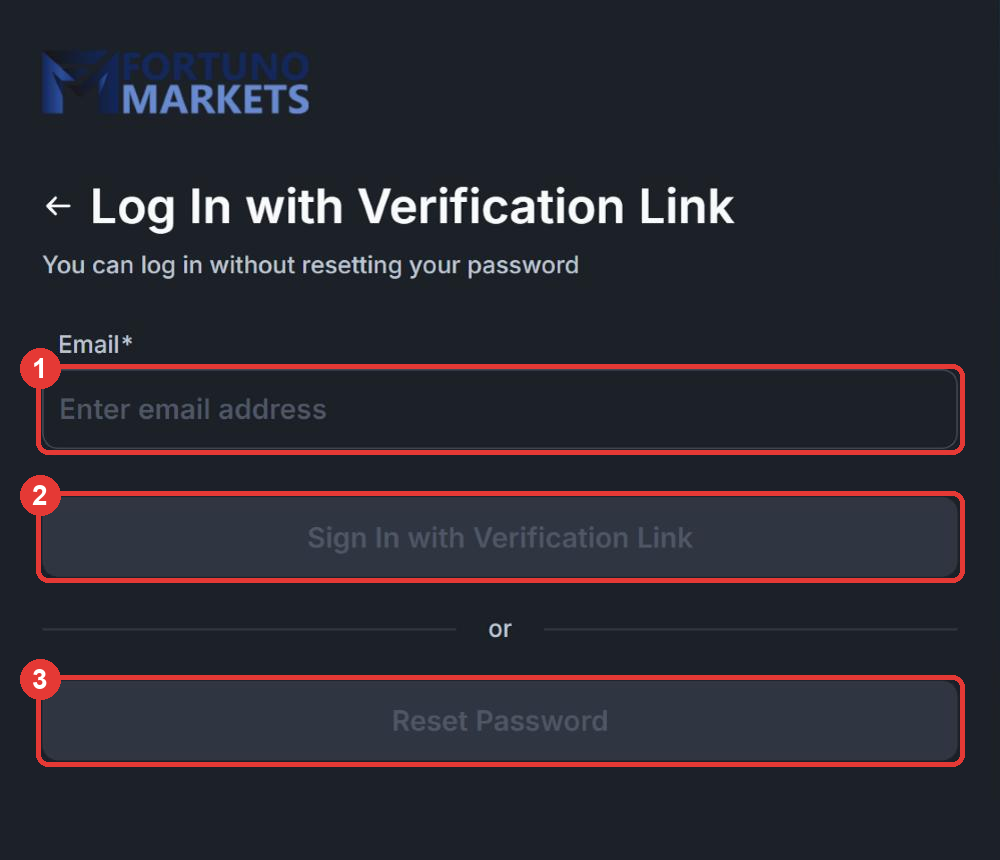
- (1) Enter the email address you registered with.
- (2) Click Sign In with Verification Link to log in without changing your password. We email you a link that logs you in.
- (3) Or click Reset Password to set a new password. Follow the instructions in the email we send you.
If you do not see our email within a few minutes, check your spam or junk folder.
If you registered with Google, you can also use Sign In With Google on the login page.
Changing your password when you are logged in
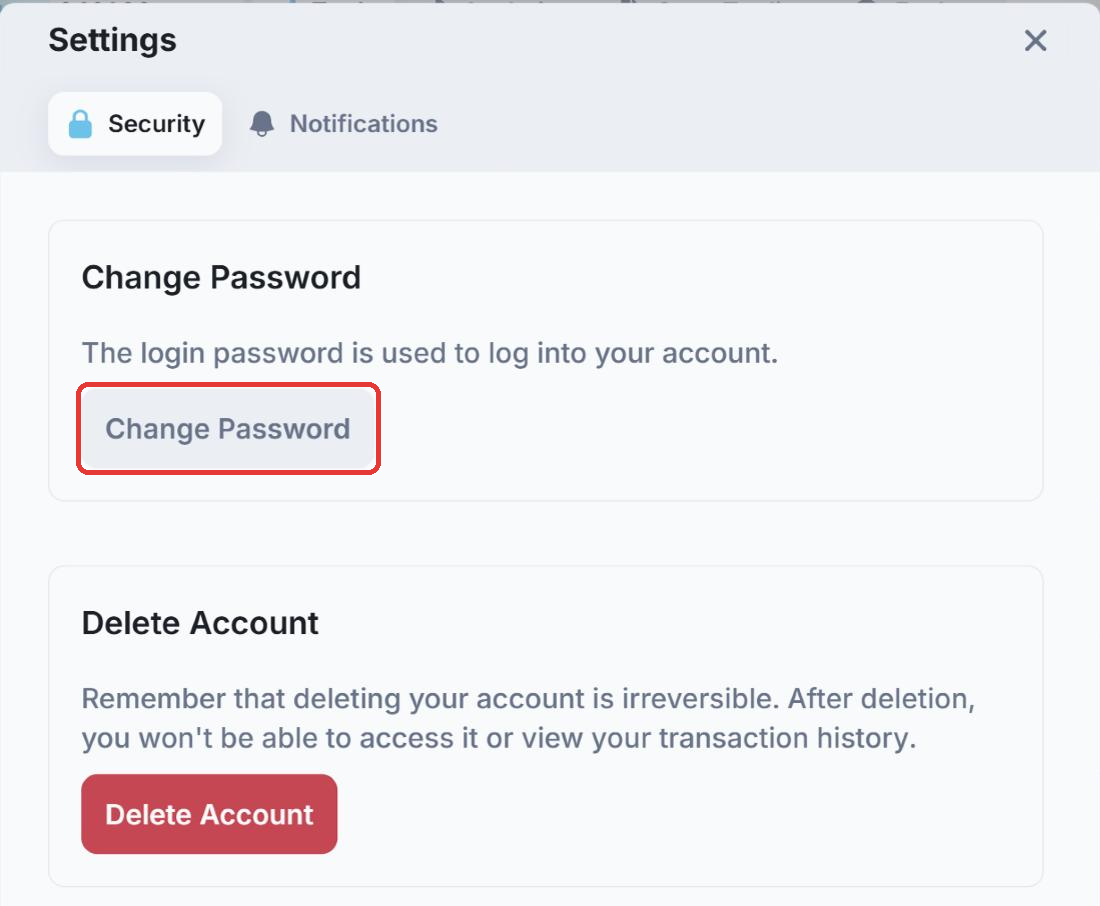
Click the profile icon in the top right corner of Fortuno Terminal, choose Settings, open the Security tab and click Change Password.
Still can’t log in? Contact our support team on Telegram at @fortunosupport. Never share your password with anyone, including our staff.